About Rules
Rules acts as an example of what can be asked to your bot and what should it reply with.
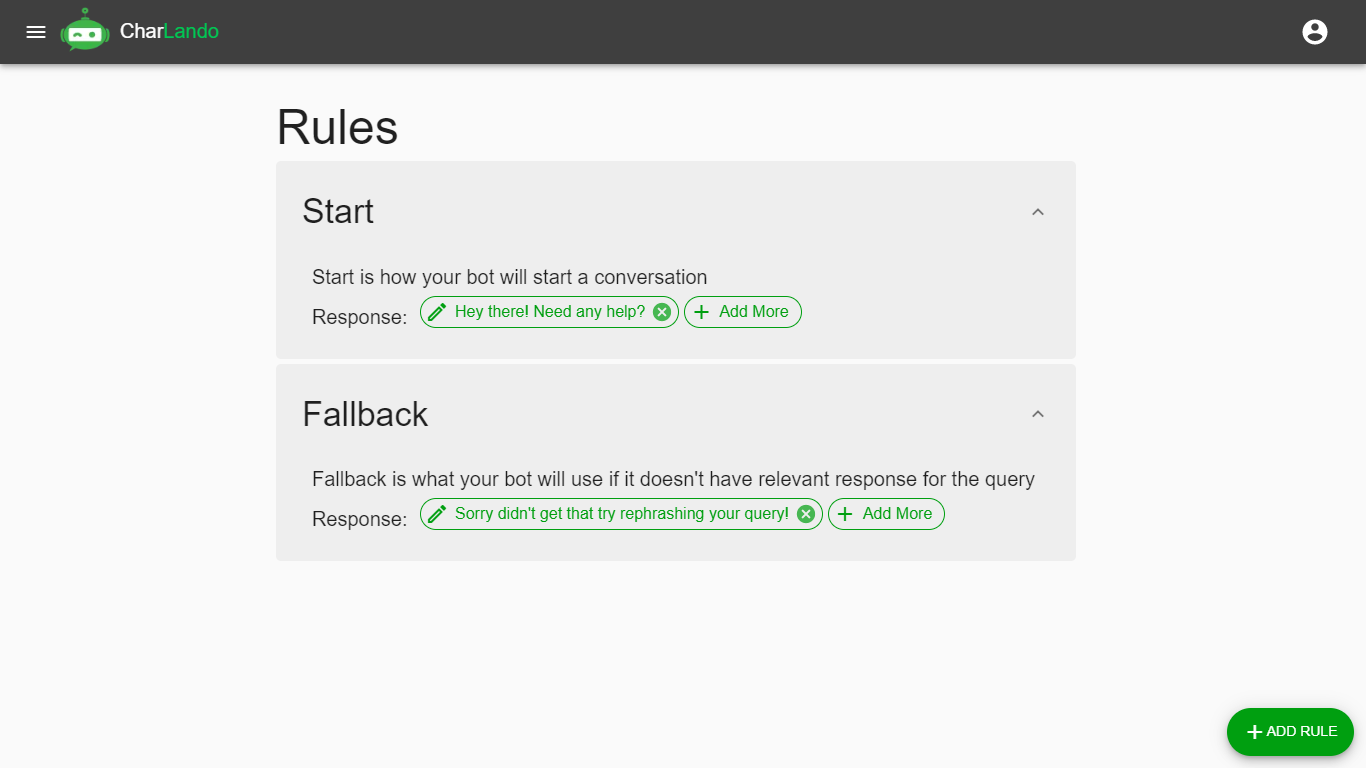
A single rule contain following elements:
A rule is said to be incomplete if either of the following 3 elements are missing: Cases, Required Words or Response
Rule Name
A rule name allows user(i.e. you) to describe a rule. Rule names can be same. They exists to describe rules.
Rule Cases
A single case act as an example of what can be asked to your bot. A single rule can have single or multiple cases.
Rule Required Words
As the name suggests, these word(s) act as a guide for the bot to identify a rule. Required Words allows user to add advance things to their rule. Click here to learn more about required words
Rule Response
A response is what your bot should reply with if the rule is activated.
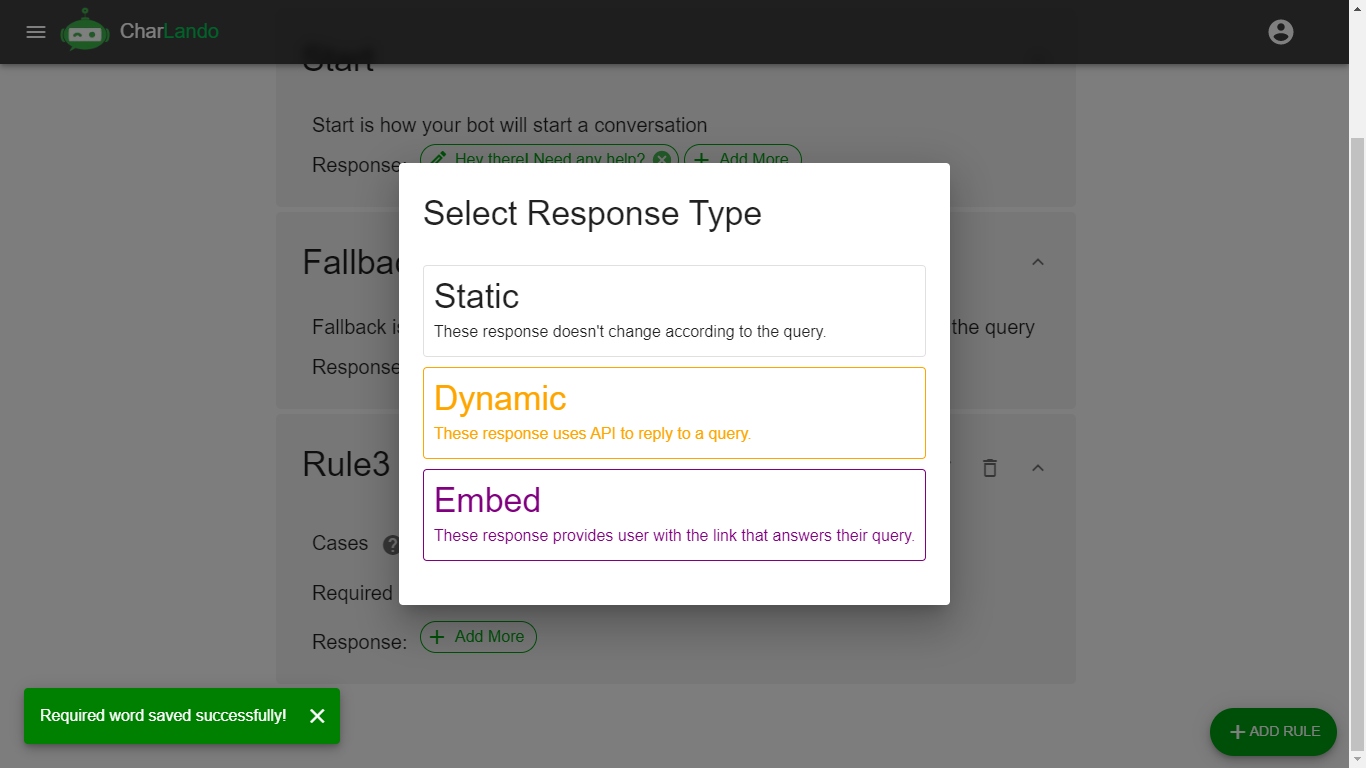
Types of responses:
Static Response
These responses are static in nature, which means that they are not processed before being displayed. A single rule can have multiple responses of this type.
Dynamic Response
This response allows you to use API to fetch and process data before displaying. A single rule can have single response of this type.
Embed Response
This response allows you to embed a website in the chat, website's name, icon, description and link will be displayed. A single rule can have single response of this type.
Special Rules
By default CharLando creates 2 rules for you. These are special rules and they can't be deleted. You cannot change response type of these rules.
Start Rule
This rule defines how your bot should start a conversation.
Fallback Rule
This rule defines how you bot should reply if no relevant responses are found.
Creating a rule
Now that we know what rules are you can start by creating your own rule.
To create new rule you can click on the bottom-right button which says + Add Rule.